 The Science of Acceleration
Reporting Overview
View and export your data.
Summary
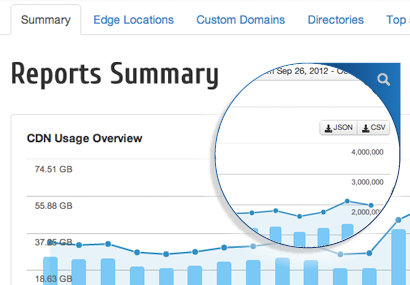
This tab shows you the overview of CDN usage, File Size Distribution and more. Highlights:
Export JSON or CSV
Select Zone and Date Range
View Transferred Amount and Cache Hits
View Edge Locations, Hits and Bandwidth
Edge Locations
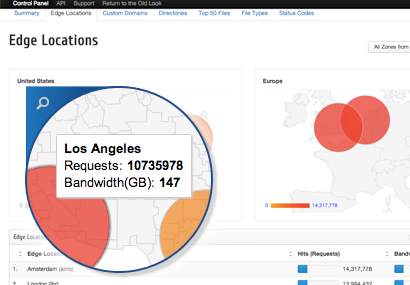
This tab allows you to update the following
Select Zone and Date Range
Visual World Map
Edge Locations Sortable by Name, Hits or Bandwidth
Top 50 Files
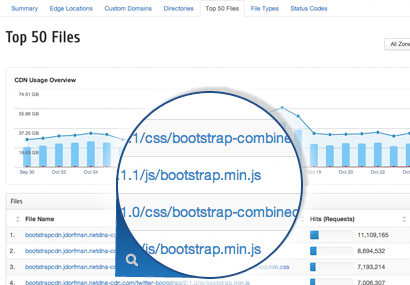
This tab shows you 50 of the hottest files being requested. Highlights:
Select Zone and Date Range
File Name appended by the absolute URL
Edge Locations Sortable by Name, Hits or Bandwidth
File Types
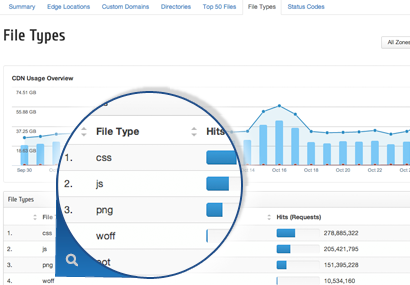
This tab shows you how many hits each File Type gets. Highlights:
Select Zone and Date Range
File Type.
Edge Locations Sortable by Name (File Type) or Hits.
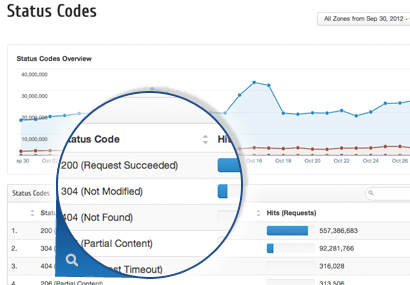
Status Codes
This tab shows you how many hits each HTTP status code gets. Highlights:
Select Zone and Date Range
Status code with the definition.
Edge Locations Sortable by Name (Code) or Hits.